Dictionary and Stop Words
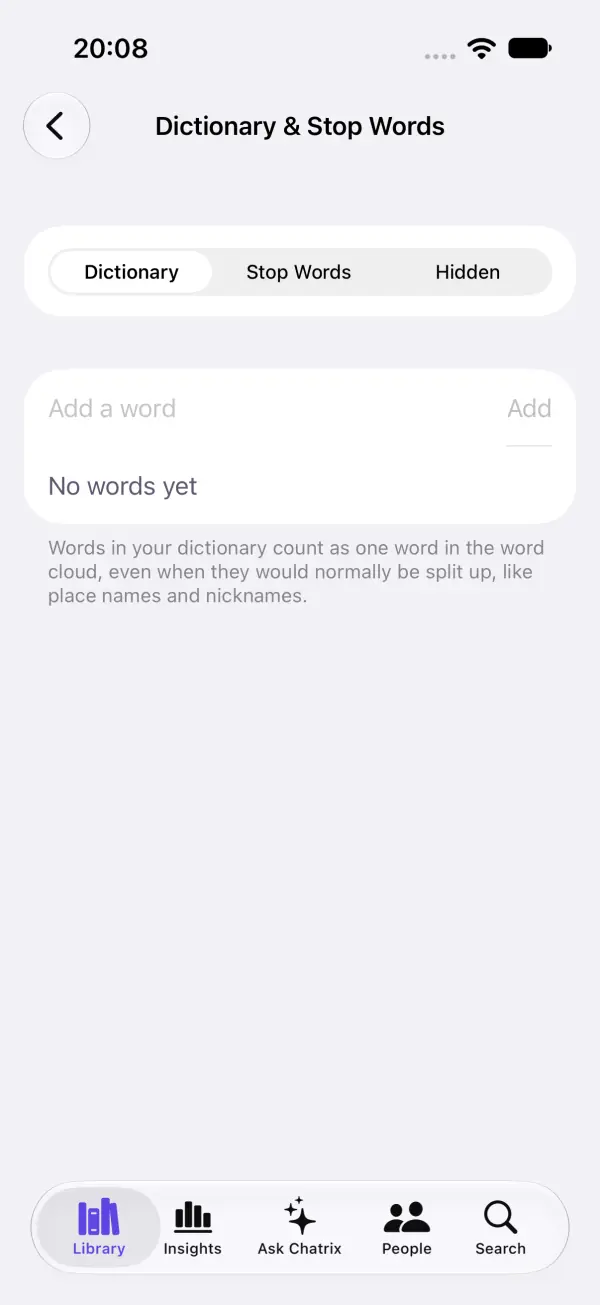
These settings affect "Lexicon" and "Word of the Year" in Insights. Go to "Settings" › "Dictionary & Stop Words", and switch between "Dictionary", "Stop Words" and "Hidden" at the top.
After you make changes, insights are recalculated automatically. When iCloud sync is on, your dictionary and hidden words sync to all your devices.
Dictionary
Words you add to the dictionary are treated as one whole word in the Lexicon, such as place names and nicknames that would normally be split up.
- Type the word in "Add a word".
- Select "Add", or press Return.
- English and other words in Latin letters aren't case-sensitive, and only whole words count.
- To remove a word, swipe left on it and delete it.
Stop words
Chatrix skips very common words without much meaning, so the Lexicon shows what you actually talk about.
- "Stop Words" lists which languages have built-in stop words, and how many words each has.
- Which languages' lists are used is decided automatically by the language of your messages.
- Built-in stop words can't be changed. For other words you don't want to see in the Lexicon, use "Hiding words".
Hidden words
Every word you hide by selecting it in the Lexicon is listed in "Hidden". Hidden words don't appear in the Lexicon on any of your devices.
To bring one back, swipe left on it and select "Show", or touch and hold it (on Mac, right-click it) and choose "Show". You can also select the word again in the Lexicon.
When you haven't hidden any words, "No hidden words" appears.